
Free AI Shopify Store Builder, Ready to Sell in Minutes
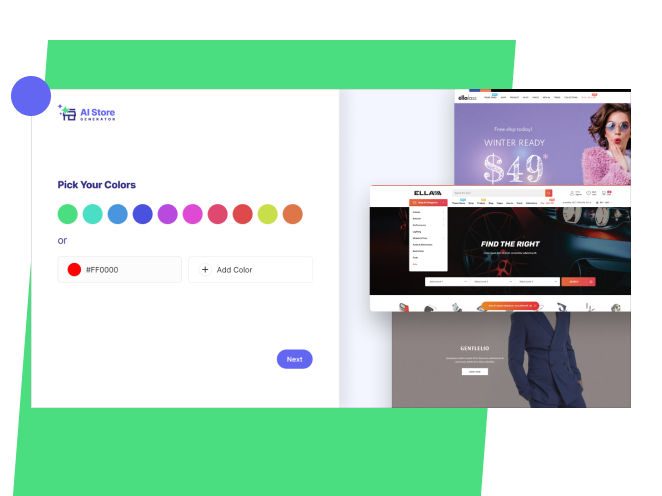
Tell us what you want to sell. AI Store Generator is a free AI store builder for Shopify: it builds the store, loads the products, writes the pages and hands you the login.
It takes about five minutes and it costs nothing.


Trusted by 3,200 Businesses
What you pay, and what you don't
The store builder is free forever. You can design a store, look it over and build it again as many times as you like without paying us anything. There is no trial clock on our side, and no card needed to see what your store looks like.
What you do need is Shopify, because the store we build publishes into your own Shopify account and that is where the orders land. Shopify runs a three-day free trial, then $1 a month for your first three months. After that you pick a standard Shopify plan. You can start your Shopify trial whenever you are ready.
The short version: our half is free, Shopify’s half starts at a dollar.
Products picked to sell
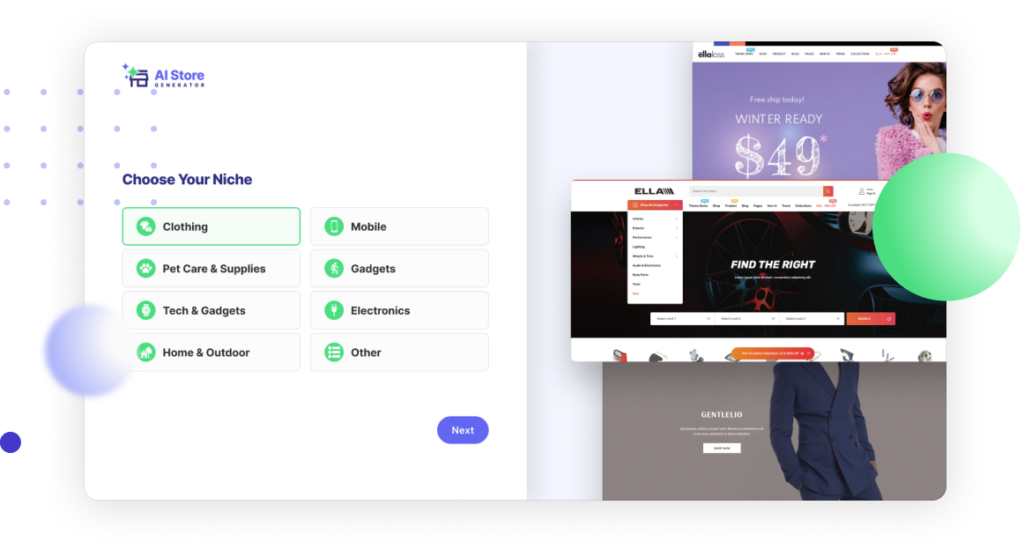
Every store arrives with 10 products chosen from what is already moving in your niche, so you have something to advertise on day one. Same either way, whether you are opening a general store, a dropshipping store or a print on demand store.
A theme built to convert, yours to change
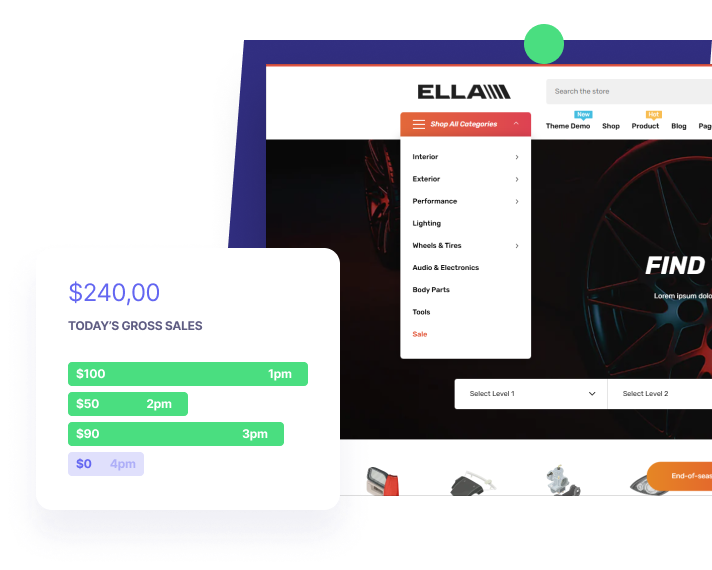
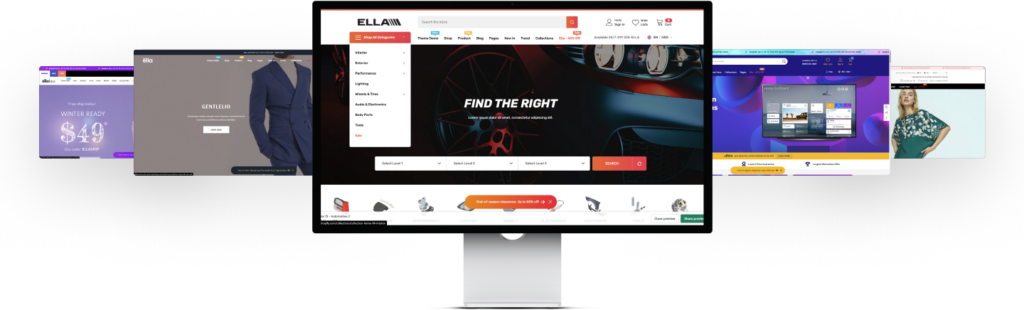
Your store runs a theme designed around getting people to checkout, and every color, font and section stays editable once it is live. Curious what the shops you admire are running? Our Shopify Theme Detector will tell you.
Pages that are already written
Product pages, policy pages and the pages a buyer expects to find are written and in place before you get the login. Nothing is left sitting there as placeholder text.

Pick what you sell
Choose one of the niches we have researched, or tell us yours.

Look it over
Our AI builds the store and sends you the details to log in.

Start selling
The store is live and it is yours. Send traffic to it and take orders.
How to create a Shopify store with AI, step by step
People search for this as an AI store builder, a Shopify store generator or an AI store maker. It is the same job either way: something that assembles the store so that you only have to look it over. Here is the whole run, in the order it actually happens.
- Decide what you are selling first. This is the one step no tool can do on your behalf, because it is a bet rather than a task. Pick one of the researched dropshipping niches or name your own.
- Let the builder assemble the store. Enter the niche and your colors. It chooses ten products that are already moving, writes the product and policy pages, applies the theme, sorts the products into collections, builds the menus and sets the Shopify SEO basics: page titles, meta descriptions and image alt text.
- Point it at your own Shopify account. Connect the account you already have, or open one during the build. Shopify runs a three-day free trial, then $1 a month for your first three months, and the store publishes into that account in your name.
- Change whatever does not fit. In your Shopify admin, Online Store then Themes, everything stays editable: colors, fonts, sections, product copy and prices. Nothing is locked and nothing has to come back through us.
- Switch on payments and shipping before you advertise. Settings then Payments, and Settings then Shipping and delivery, in the same admin. A store with no payment provider connected looks finished and cannot take a single order.
Step five is the one that gets skipped, and it is the expensive one. We see stores that have been built, named and shared with friends while payments were never connected, so every visitor who tried to check out hit a dead end. Open the storefront and put something through checkout yourself before you spend anything on ads.
Setting a store up with AI tools shortens the build, not the business. Choosing suppliers, answering buyers and paying for traffic stay with you, which is why the honest version of this page lists what we do not do alongside what we do.
Success stories
What sellers tell us
A store is only worth building if it sells something. Here is what people have done with theirs.
The winning products provided by the AI Store Generator is beyond what I was expecting. It was a game-changer for my drop shipping store.

Christopher Blackwell


What lands in your Shopify account
Every build hands over the same set of parts, already in place:
- A theme set up around getting people to checkout, with your colors and fonts applied
- Ten products chosen from what is already selling in your niche, with images, descriptions and prices set
- Collections, so the products are sorted instead of sitting in one long list
- Product pages written out properly, not placeholder text waiting for you
- The policy pages a buyer looks for: shipping, returns, privacy and terms
- Navigation menus built around the collections
- The SEO basics: page titles, meta descriptions and alt text on the images
You get the login and the store is yours. Nothing is locked, and there is no part of it you have to come back to us to change.
What we don't do for you
Most store builders skip this part. It is worth being straight about it, because it is the difference between a store that exists and a store that earns.
- Traffic. The store does not arrive with visitors. Ads, content and social are on you.
- Suppliers and fulfilment. You choose who ships your orders and on what terms.
- Payments. You connect your own payment provider so the money goes to you.
- Pricing and margin. We set sensible starting prices. What you charge is your call.
- Customer service. You answer your buyers.
If you were hoping for a store that runs itself, no tool does that, ours included. What this saves you is the setup week, so your time goes into selling instead.
Does Shopify already have an AI store builder?
Shopify has AI features of its own. They will write a product description for you and answer questions about your admin. What they do not do is hand you a finished store.
The gap is what you start from. Shopify’s tools help once you already have a store, products loaded and a theme chosen. You are still the one deciding the niche, sourcing ten products, writing the pages and setting up the policies.
This builder starts a step earlier. You tell it what you want to sell, and about five minutes later there is a store with products in it, ready for you to point traffic at.
Who this suits, and who it doesn't
It suits you if
You want to be selling this week rather than building for a month, you are testing a niche and do not want to sink days into it before you know, or the setup work is the thing standing between you and starting.
Look elsewhere if
You need a one-off custom design, you are moving an existing catalogue of hundreds of products, or you want someone to run the marketing too. Those are real jobs, and this is not one of them.
Frequently Asked Questions
Questions before you start? The answers are below, and if yours is not there, send us a message.
What can I realistically make?
We take the build off your plate so your time goes into traffic instead of setup. What you earn after that depends on what you sell and how you market it. Some sellers see a first order in the opening week, others take longer.
What exactly do I get?
A working Shopify store with products loaded, pages written and the SEO basics already set. You own it and you keep everything it makes.
Can I add my own products?
Yes. Add as many as you like. The store is yours to run.
I lost my password
Use the lost password link on the login page and we will send you a reset.
Can AI build my Shopify store?
Yes. Tell it your niche and your colors, and it builds the store, loads ten products, writes the pages and publishes to your Shopify account. It takes about five minutes.
Is it possible to build a free Shopify store with AI?
The building is free here, with no limit on how many times you do it. Selling needs a Shopify plan, which starts with a three-day trial and then $1 a month for three months.
How does AI help build a Shopify store?
It does the parts that normally eat a week: picking products that are already selling, writing product and policy pages, applying a theme and setting the SEO basics. You review it rather than assemble it.
How long does it take?
About five minutes from entering your details to having a store you can log into.
Do I need a Shopify account before I start?
No. You can connect one you already have, or open one during the build.
Can I change what the AI builds?
All of it. Colors, fonts, sections, products, prices and wording stay editable once the store is live, the same as any Shopify store.
What kind of stores can it build?
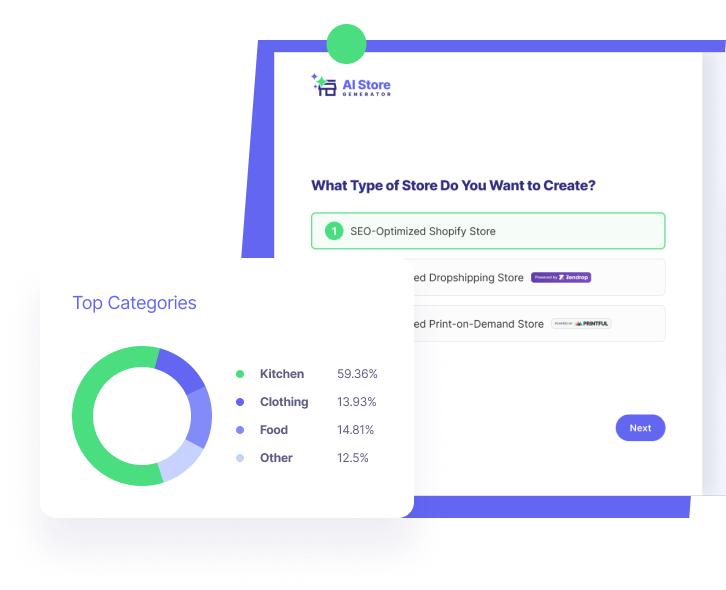
Fashion, electronics, print on demand, general and the niches we have already researched. If yours is not on the list you can type it in.
Do I own the store?
Yes, and everything it makes. It publishes into your own Shopify account, in your name.
Does Shopify have an AI store builder?
Shopify has AI features, not a store builder. Its AI will write a product description and answer questions about your admin, but it will not pick your niche, source ten products or write your policy pages. Filling that gap is the whole point of this tool: you start from a finished store instead of an empty one.
Which AI can build my Shopify store?
Any tool that publishes through the Shopify API can. The two things to check before you use one are whether the finished store sits in your own Shopify account and whether you can still edit it afterwards. Ours publishes to your account, in your name, and leaves nothing locked.
How do I set up a Shopify store using AI tools?
One tool does the build, and the rest is still yours. Once the store is published you connect a payment provider and set your shipping rates in Shopify admin, then decide who fulfils the orders. No AI tool does those three for you, because each one needs your bank details or your supplier terms.
What are the benefits of using AI to build a Shopify store?
It removes the setup week. Products, collections, product pages, policy pages, menus and the SEO basics arrive already in place, so your first day goes into getting visitors rather than into an empty admin. The trade-off is that you start from a sensible default rather than a custom design.
Can I design a Shopify store with AI?
The theme, colors and fonts are applied during the build, and all of it stays editable in Shopify admin afterwards. What AI will not give you is a one-off bespoke design, so if the look is the point rather than the speed, hire a designer.
Your store is five minutes away
Start here
- AI Dropshipping Store Builder
- AI Print-on-Demand Store Builder
- Dropshipping Basics for Shopify
- Start a Dropshipping Business on Shopify
- Dropshipping Suppliers for Shopify
- Dropshipping Niches Guide
- Dropshipping Business Setup Guide
- Shopify Dropshipping Strategy
- Shopify Dropshipping Operations
- Shopify Dropshipping Marketing: What Works
- Dropshipping by Country
- Shopify Print on Demand: Complete Guide
- Shopify SEO Made Easy
- Shopify Theme Detector